Journal
The ledger itself - every voucher (a double-entry accounting record) lives here, whether it was entered by hand, generated from an invoice, or created while reconciling a bank statement.
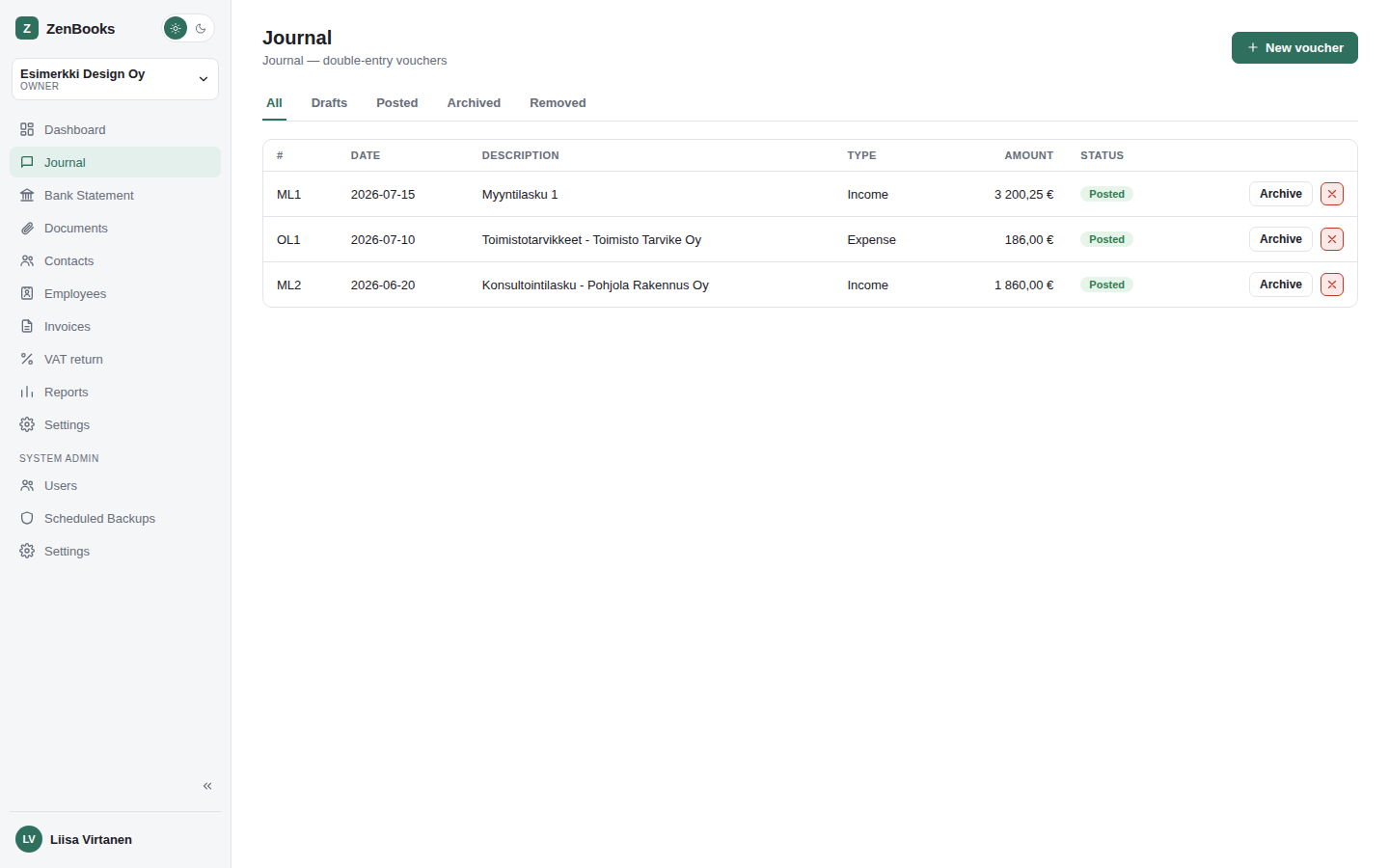
The list
Tabs across the top filter by status: All, Drafts, Posted, Archived, Removed. Each row shows the voucher number (prefixed by its series, if voucher series are enabled), date, description, type, total amount, and status.
Creating a voucher
New voucher opens the editor: a date, a description, a type (general entry, expense, income, transfer, salary, opening balance, and a few more), and a set of debit/credit lines. Each line picks a ledger account and, optionally, a VAT rate, a contact, a payment method, or an employee - whichever are relevant to that line.
A voucher can be saved as a draft with no lines at all (handy for quickly attaching a receipt right after a purchase, before sitting down to enter the real numbers), but once it does have lines, the usual double-entry rule applies: at least two lines, and debits must equal credits before it can be posted.
Draft vs. posted
A draft can still be edited or deleted freely. Posting a voucher locks its numbering in and makes it count toward reports and the VAT return - after that, editing it means either unposting it first (if the accounting period allows) or entering a correcting entry, depending on your workflow.
Archiving and removing
Archive hides a voucher from the everyday list without deleting it (useful for old, fully-settled entries you don't need to see day to day); Remove is a soft delete, recoverable from the Removed tab.