Dashboard
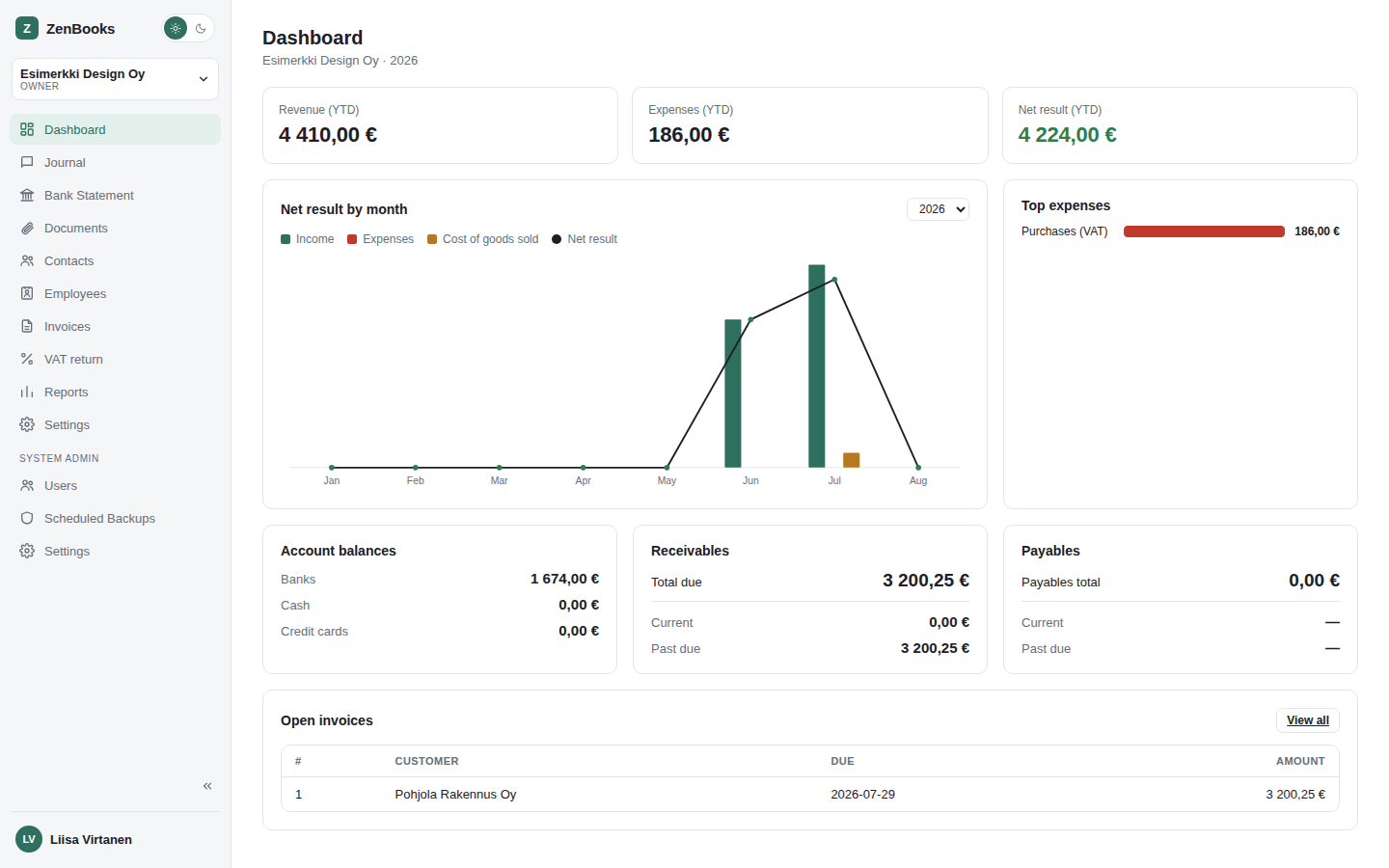
The landing page for the active company - a snapshot of where things stand, and quick links into anything that needs attention.
VAT overdue card
Appears at the top, only when a VAT period is actually overdue - clicking it goes straight to VAT return. No card, nothing overdue.
Year-to-date tiles
Three headline numbers for the current fiscal year: Revenue, Expenses, and Net result (colored green when positive, red when negative).
Net result by month
A bar-and-line chart of income, expenses, cost of goods sold, and net result, month by month. The year picker in the corner lets you look back at a previous fiscal year the same way.
Top expenses
The 8 largest expense accounts for the year, as a horizontal bar chart - a quick way to spot where money is actually going without opening a full report.
Account balances, receivables, and payables
- Account balances - banks, cash, and credit cards, derived from chart-of-account number prefixes (no separate "bank account" setting to maintain).
- Receivables - total, current, and past-due amounts from open invoices.
- Payables - total owed; aging isn't tracked separately for payables the way it is for receivables.
Open invoices
A short table of unpaid invoices (number, customer, due date, amount) with a link to the full Invoices page.