Bookkeeping software you actually own
Double-entry accounting for real businesses: a chart of accounts, balanced journal vouchers, sales invoicing that posts itself to the ledger, and live financial reports - running on your own server, with your own database.
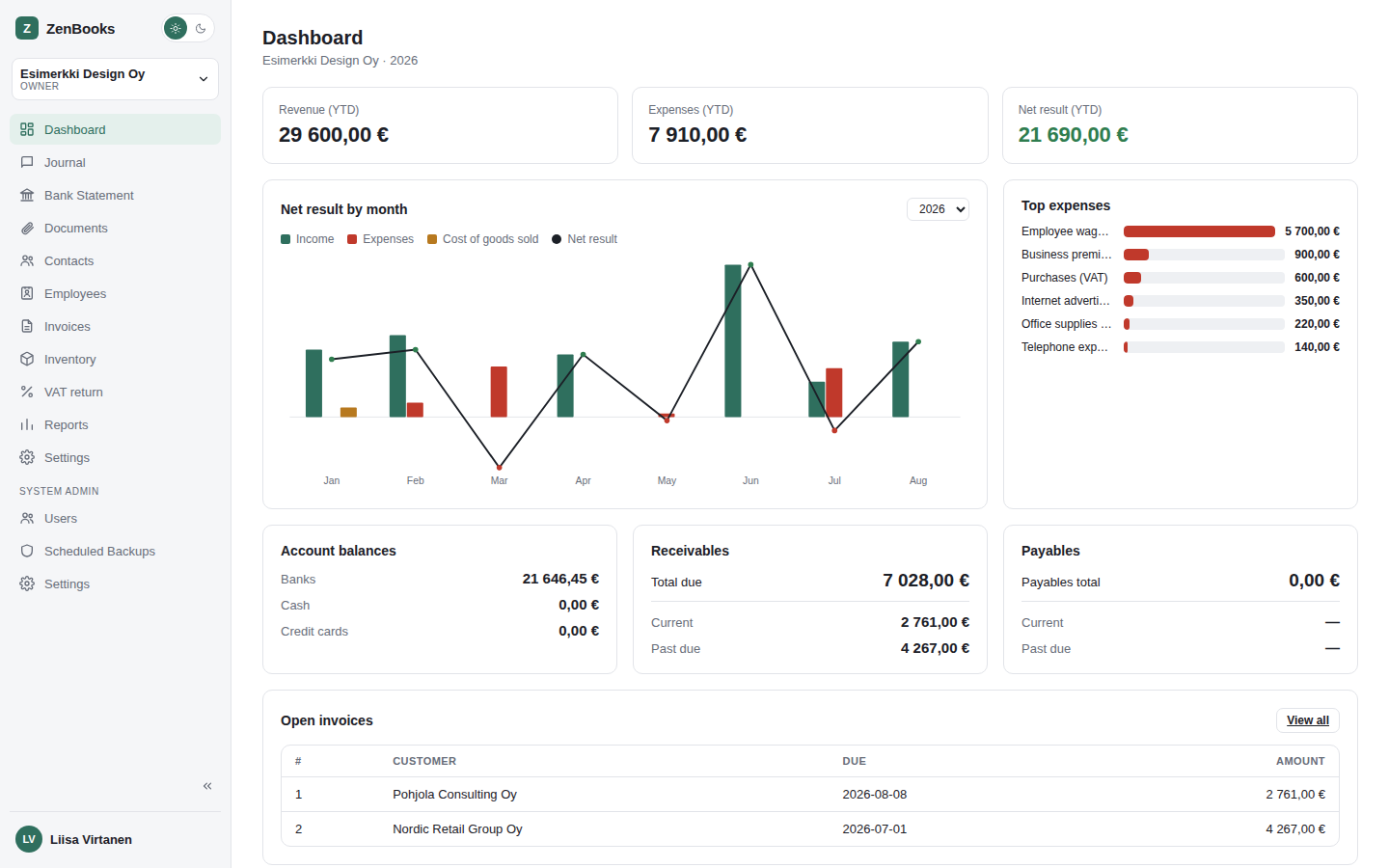
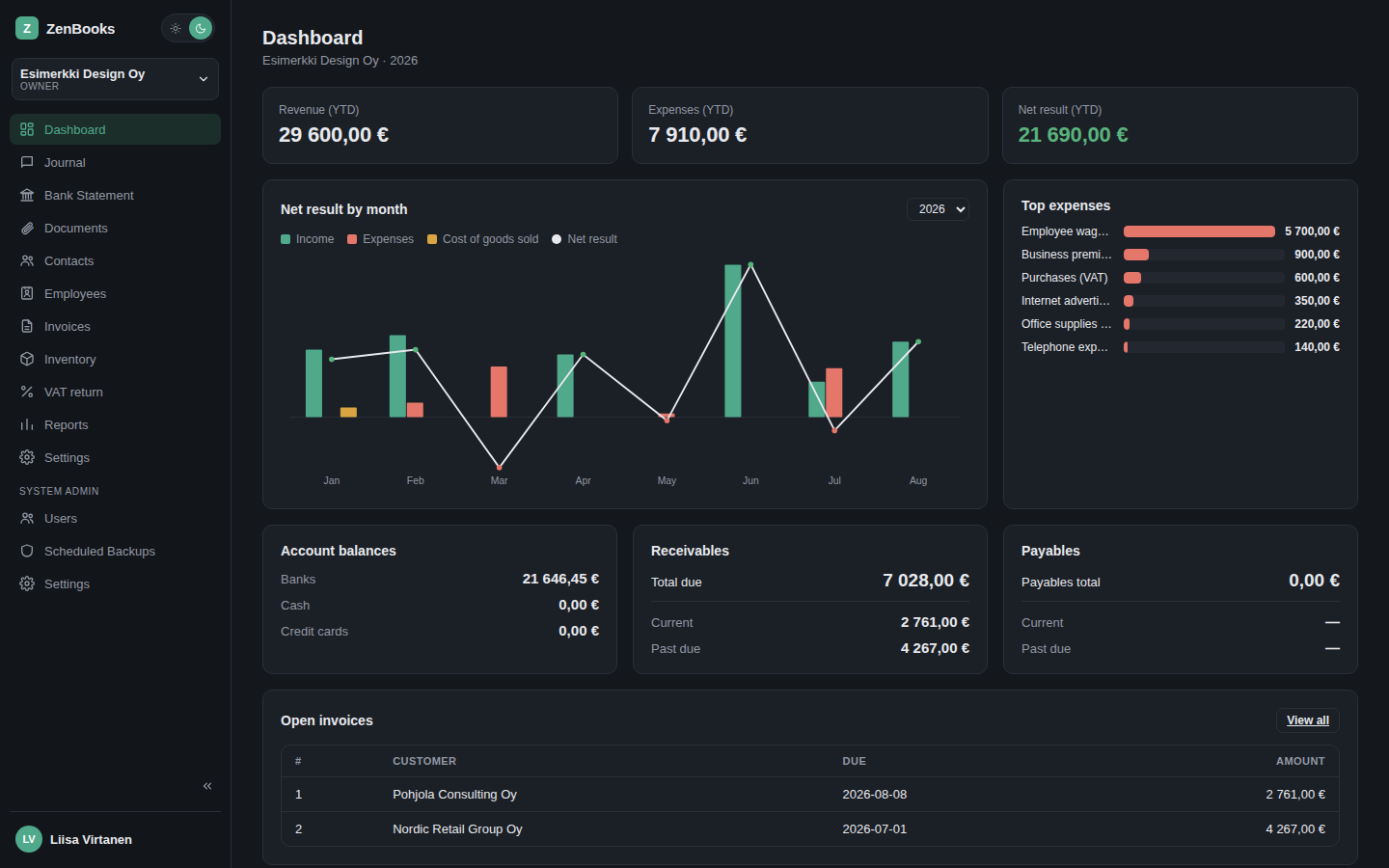
Everything a bookkeeper actually needs
Built around real double-entry accounting, not a spreadsheet with extra steps.
Balanced double-entry ledger
Every journal voucher must balance - debits equal credits - before it can post. Posted vouchers are immutable, so your ledger stays trustworthy.
Multi-company from day one
Run the books for several companies from one account, each with its own chart of accounts, fiscal years, and role-based access (owner / accountant / viewer).
Invoicing that posts itself
Send a sales invoice and ZenBooks automatically generates and posts the matching voucher - accounts receivable, revenue, and VAT payable - so invoicing and the ledger never drift apart.
Receipts, attached to the ledger
Photograph or upload a receipt the moment you buy something, then attach it to the matching voucher later - a document library that lives right alongside the books.
Live financial reports
Trial balance, income statement, balance sheet, and a VAT report - computed live from posted vouchers, never a stale pre-aggregated snapshot.
Self-hosted, your data
No SaaS lock-in, no third party holding your books. Run it on your own server with your own database - you're always in control of where it lives.
One image, one command
The app and its API are built and deployed together - no separate services to wire up.
Frontend + backend, one image
A React app and a Node.js/Express API, built together into a single Docker image - the API serves the built frontend itself, so there's nothing else to point at what.
Your own database
A MariaDB container alongside it - the schema imports itself on first boot. Your data stays on your server, in a database only you control.
docker compose up
One command brings up the whole thing. Electron (desktop) and Android builds of the same app connect to that instance over the network.
One plan for every kind of bookkeeper
All prices in EUR excl. VAT, billed monthly or annually - subscribe from your account page after creating one.
Companies and users are counted per install, not shared across every install on your license - if your plan includes more than one install, each one gets its own full allowance.
Solo
For a business owner keeping their own books.
- 1 install
- 3 companies
- 3 users
Pro
For accounting firms managing several clients.
- 1 install
- 50 companies
- 10 users
Enterprise
For larger accounting firms with a growing client roster.
- 5 installs
- 50 companies
- 25 users
Enterprise+
For accounting firms and networks with no client-count ceiling - installs, companies, and users all customized to your setup.
Deploy it
Full walkthrough (including securing it): deployment guide. Here's the shape of it.
1. Download & configure
Grab the compose file, env template, and schema from the deployment guide, then set a database password.
# in an empty folder
cp env.example .env
# set DB_PASSWORD / DB_ROOT_PASSWORD
2. Run it
Pulls the published image automatically and starts the app plus its MariaDB container.
docker compose up -d
3. Secure it
Your books stay on your server either way - if you need to reach it from outside your own network, put HTTPS in front of it first. See the deployment guide's security section.