First-time setup
A freshly deployed ZenBooks has no users yet. The very first thing anyone sees when they open it is a choice: start a free trial, or unlock it with a license key.
The first screen
Click Sign in on the empty shell and one of two forms opens, depending on whether this install can reach a license server:
- Trial - shown by default. Fields are Email, Name, and Password. Starts a 14-day free trial (1 company, 3 users, nothing to configure) and immediately signs you in as the first admin.
- License - shown instead if a license server is configured and reachable. Fields are License Key and Password (the password you want for the new admin account this creates). Each screen links to the other, so you can switch either way before submitting.
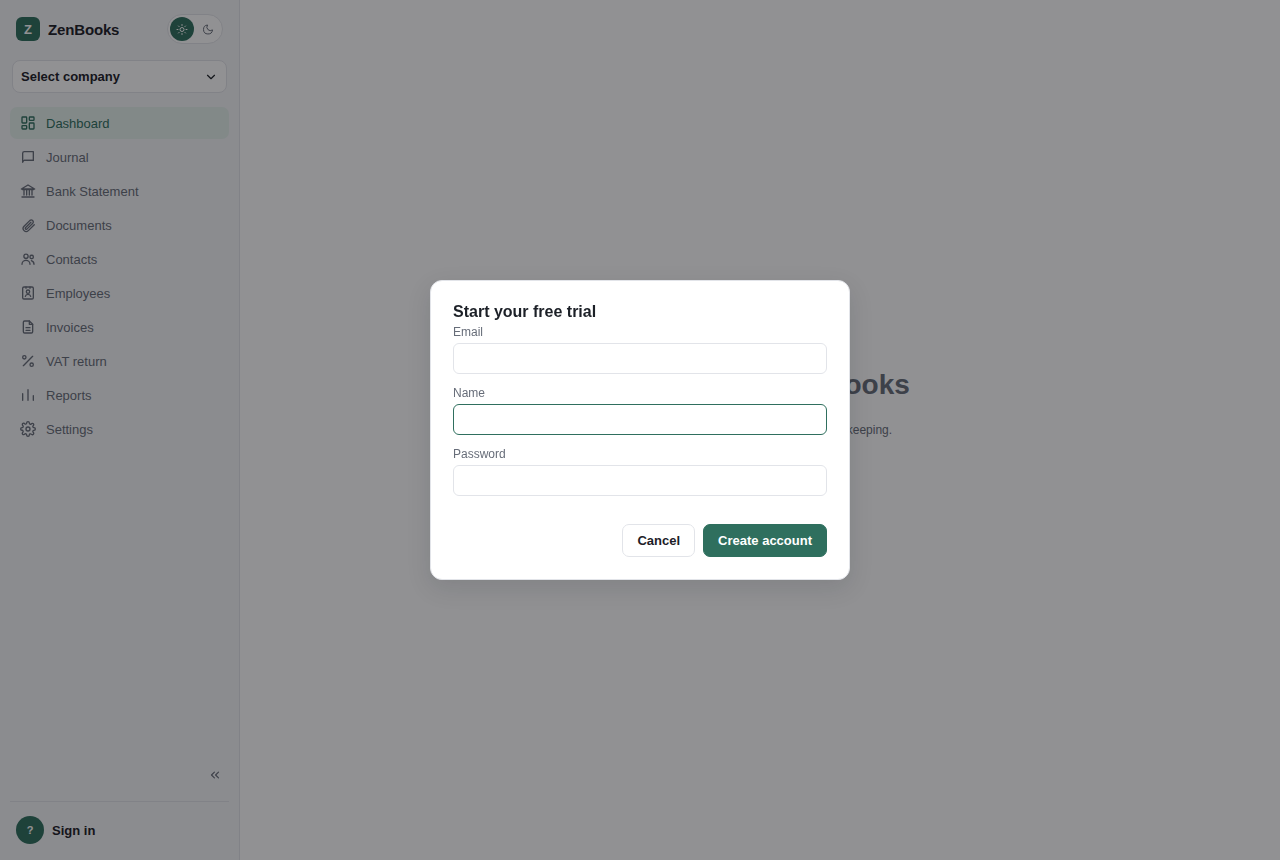
The trial sign-up form - shown by default on a clean install with no license server configured.
Either path works, and you never have to register twice: an install that started on a trial can add a real license key later from Admin → Users → License, at which point the trial's limits (1 company, 3 users) go away.
The user this creates
Whichever form you use, the account it creates is a system admin - the highest role in ZenBooks, with access to the whole install (see Users & licensing for what that means in practice) and every company on it. There's no separate "owner" concept above admin: the first person through this screen runs the install.
Ordinary sign-in, after that
Once at least one user exists, the same "Sign in" button opens a plain Email + Password form instead - no more Trial/License choice, since that only ever applies to a genuinely empty install.
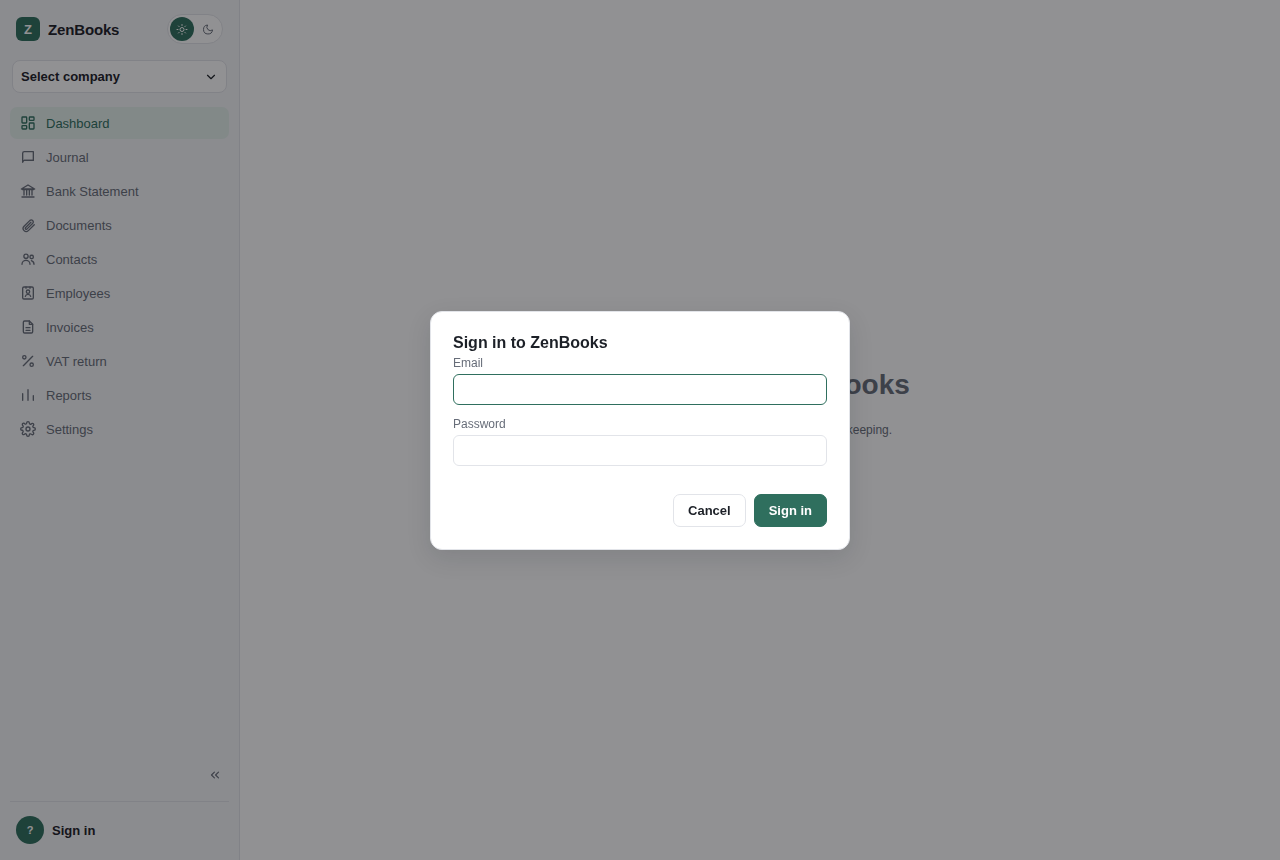
Ordinary sign-in, once the install already has at least one user.
If the signed-in account is on an active trial, a small hint under the form shows how many days are left. If a trial has expired, normal sign-in is blocked - you'll be asked for Email, License Key, and Password together, which both unlocks the account and applies the key in one step.
What's next
Once you're signed in, an admin with zero companies is prompted to create the first one straight away. After that, see Interface overview for a tour of the layout, or jump directly to Dashboard and the rest of the sidebar pages in order.