Bank statements
Import a statement file from your bank and match each transaction line to a voucher - either an existing one (like an invoice payment) or a new one created on the spot.
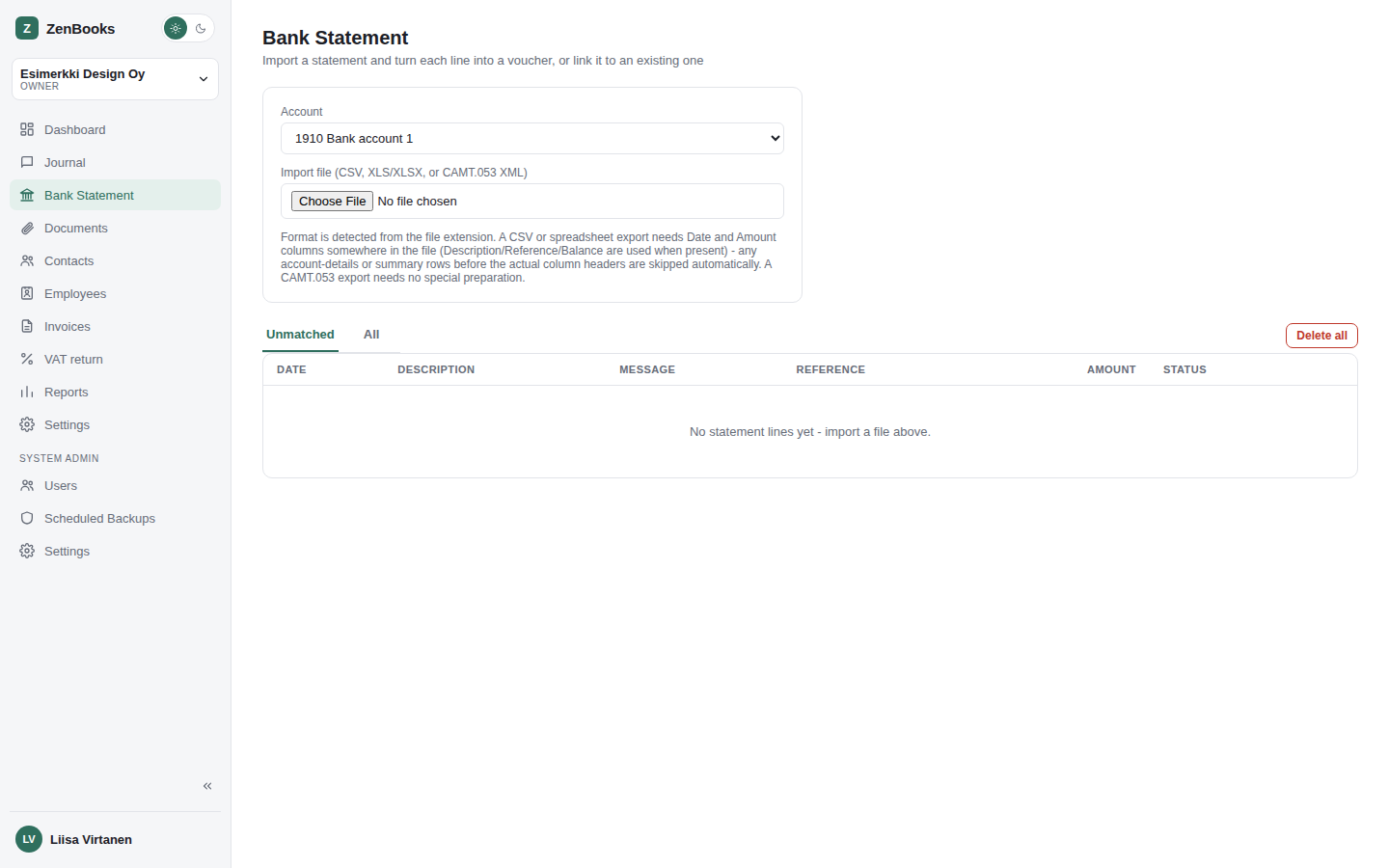
Importing a statement
Upload a statement export from your bank (camt.053 XML is the common format for Finnish banks). ZenBooks parses each transaction line - date, description, amount, counterparty reference - without needing you to re-type anything.
Matching transactions
For each imported line, ZenBooks suggests a match where it can (an open invoice whose amount and reference line up, for instance) and otherwise lets you create a voucher directly from the line, pre-filling the amount and date. A default account per bank-import category (card purchase, service fee, interest income/expense - see Settings → Default accounts) speeds up the common, repetitive cases so most lines need only a click, not manual account entry.
Once matched
A matched line is linked to its voucher, so the connection is visible from both directions - the reconciled state doesn't have to be re-derived by eye every time you look at the statement again.