Scheduled backups
Admin-only, and install-wide: it covers every company in the installation, not just the active one - there's no per-company backup configuration.
Admin → Scheduled Backups, five tabs: where backups go, when they run, what's already run, restoring from one, and moving a company in or out of this install entirely.
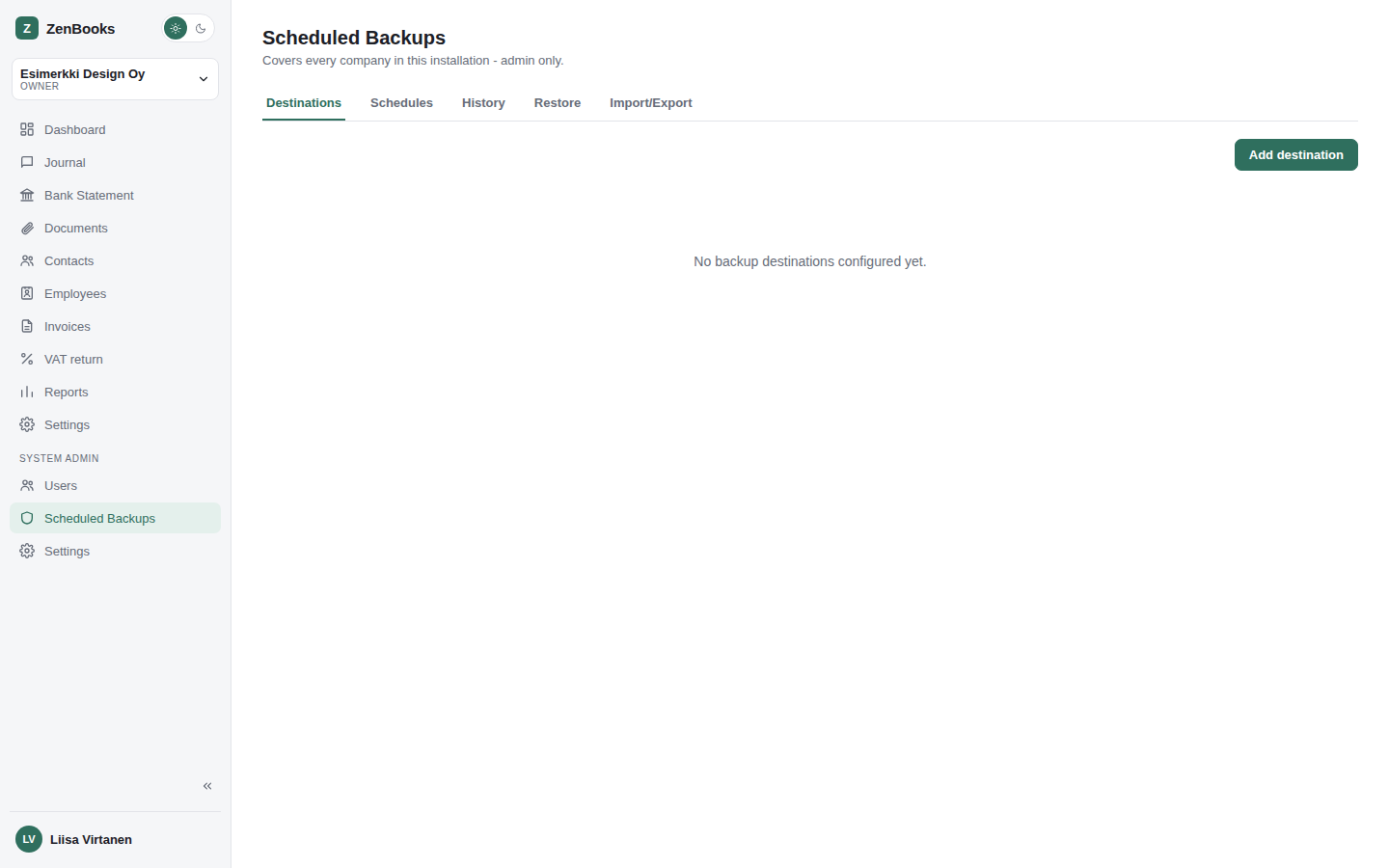
Destinations
Add, edit, delete, and test-connect a backup storage target - either a local filesystem path (on the server ZenBooks itself runs on) or SFTP (host, port, username, password, remote path).
Schedules
Recurring backup jobs: pick a destination, a backup type (Full, Database only, or System only), a frequency (daily, weekly with a chosen weekday, or monthly with a chosen day-of-month, each with a time of day), and how many past runs to retain before older ones are pruned. Each schedule can be toggled active or inactive without deleting it, and shows its next and last run.
History
A manual Run now action (pick a destination and type on the spot) plus a table of every past run - started time, destination, type, status, and size. Runs to a local destination can be downloaded directly from here.
Restore
Upload a backup .zip to inspect what's actually in it before doing anything, then
choose one of:
- Restore one company from it
- Restore all companies from it
- Restore just system settings (from a system-only backup)
- A full disaster-recovery restore - wipes the install and restores everything
The full wipe-and-restore and "restore all companies" actions are destructive and irreversible - both require typing a confirmation phrase (RESTORE) before they run, on purpose, so a restore this big can never happen from a single misclick.
Import/Export
Standalone company transfer, independent of the backup/restore flow above:
- Export a single company to a
.zipfile. - Import that same
.zipformat back in, or import a Kitsas.kitsasfile (with an optional company name override) - for moving a company in from Kitsas, the open-source Finnish bookkeeping app ZenBooks' chart of accounts and data model are directly compatible with. - Remove company - deletes any company on the install entirely, gated on typing that company's exact name first.